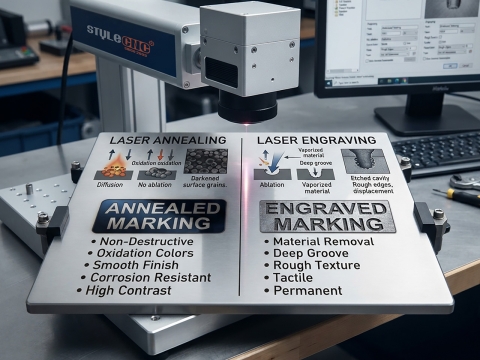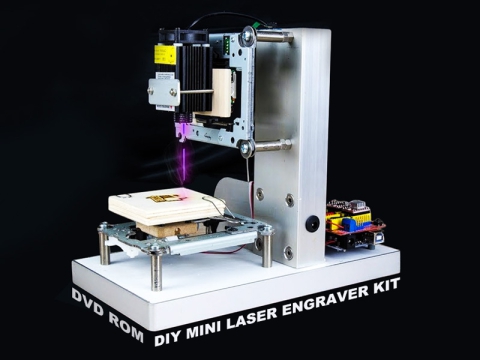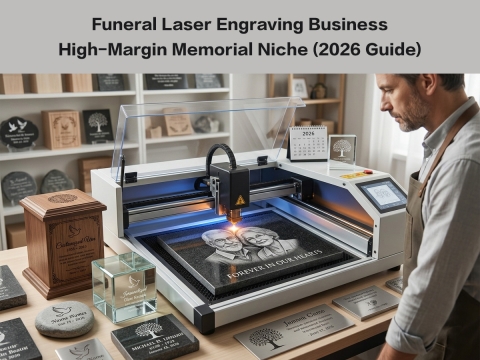
Laser engraving or laser cutting is to converge the laser beam into a small spot through a focusing mirror and project it onto the surface of an object. The focal point reaches a high power density. At this time, the irradiated part of the material is quickly heated and vaporized, and the laser beam and the material move relatively linearly, so as to realize laser engraving cutting plans.
When the laser engraving machine or laser cutting machine is working for a long time, the optical path will deviate, which will affect the cutting effect. Only the perfect cooperation of laser tube, reflecting mirror frame (A, B, C), focusing lens and corresponding adjustment device can achieve the best effect and process the best projects. This is the core part of using CO2 laser machine. Therefore, it is very necessary to check the laser beam path and adjust it regularly.
8 Steps to Adjust and Align CO2 Laser Beam Path:
1. Turn on the air pump, the air flow is discharged under the trolley, and the wires on the X and Y axis drives of the right control box are pulled away.
2. Turn on the machine switch, the LCD display on the operation panel shows "The system is starting, please wait ..." At this time, the machine is in the reset state, wait for about half a minute, then the LCD displays: File name: AAA Processing speed 100% processing Power: 100/100% Processing quantity 1 Delete. At this time, the machine is in the initial online state.
3. Stick a round cardboard larger than the lens in front of the first reflective lens and the second reflective lens.
4. Put a large cardboard in front of the laser head of the tube, press the fire button on the operation panel, the laser tube emits light, and adjust the laser to the first reflection by adjusting the front and rear positions of the laser tube bracket and the thickness of the rubber under the tube The middle of the lens.
5. Adjust the laser to the middle of the second reflective lens by adjusting the three screw shafts behind the first reflective lens. When adjusting the second reflective lens, the X-axis beam should be moved to the front and back, the point where the laser hits Be completely coincident.
6. Adjust the laser to the hole on the left side of the laser head by adjusting the three screw shafts behind the second reflective lens. When the laser head moves to the four corners of the worktable, the laser must hit the middle of the hole.
7. Focus adjustment.
Focal length refers to the distance (4-4.2mm) between the top of the cone head under the laser head and the surface of the material.
8. By adjusting the tightness of the three screws on the mirror above the laser head, the laser can be adjusted to the vertical angle to ensure the verticality of the cutting surface when cutting.